
















TMAFAPHTSBK
$34.95 On Sale $34.95
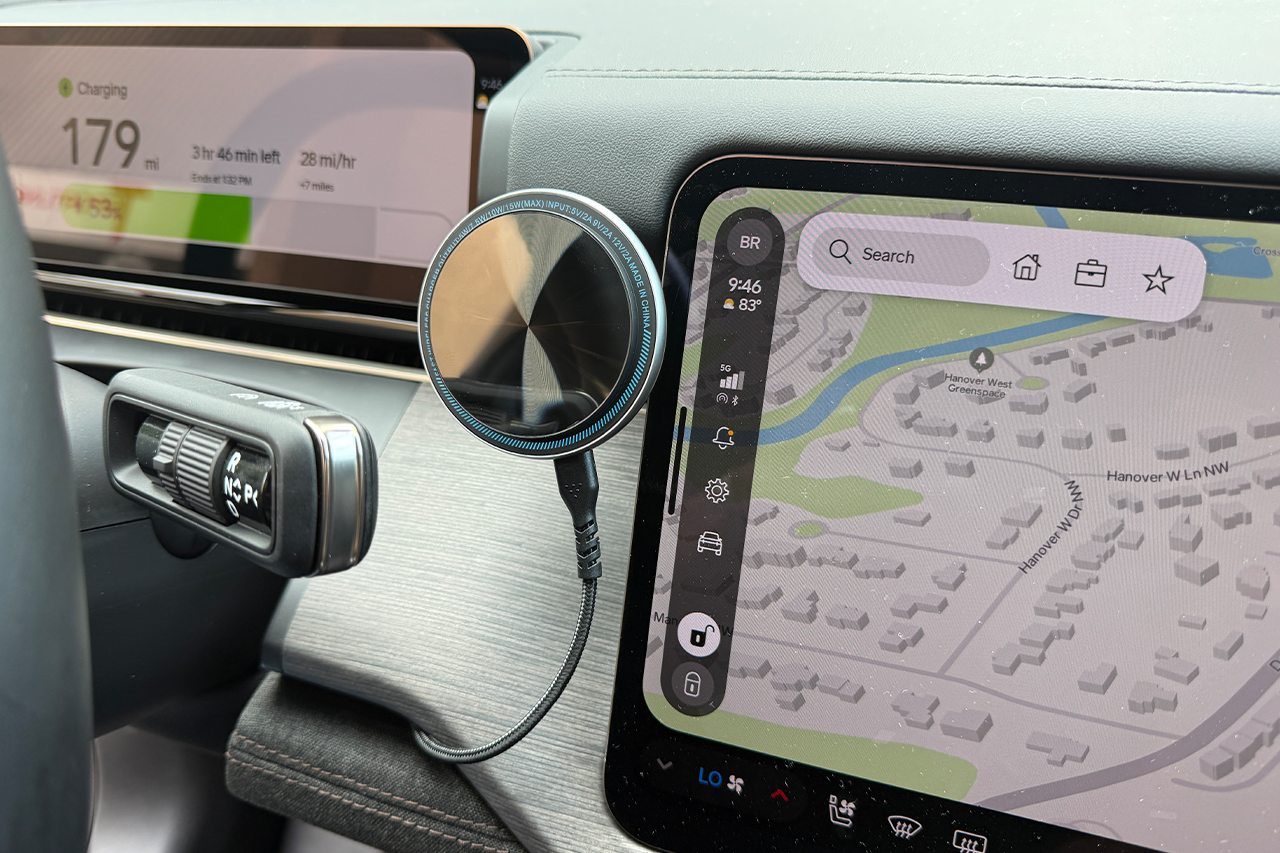
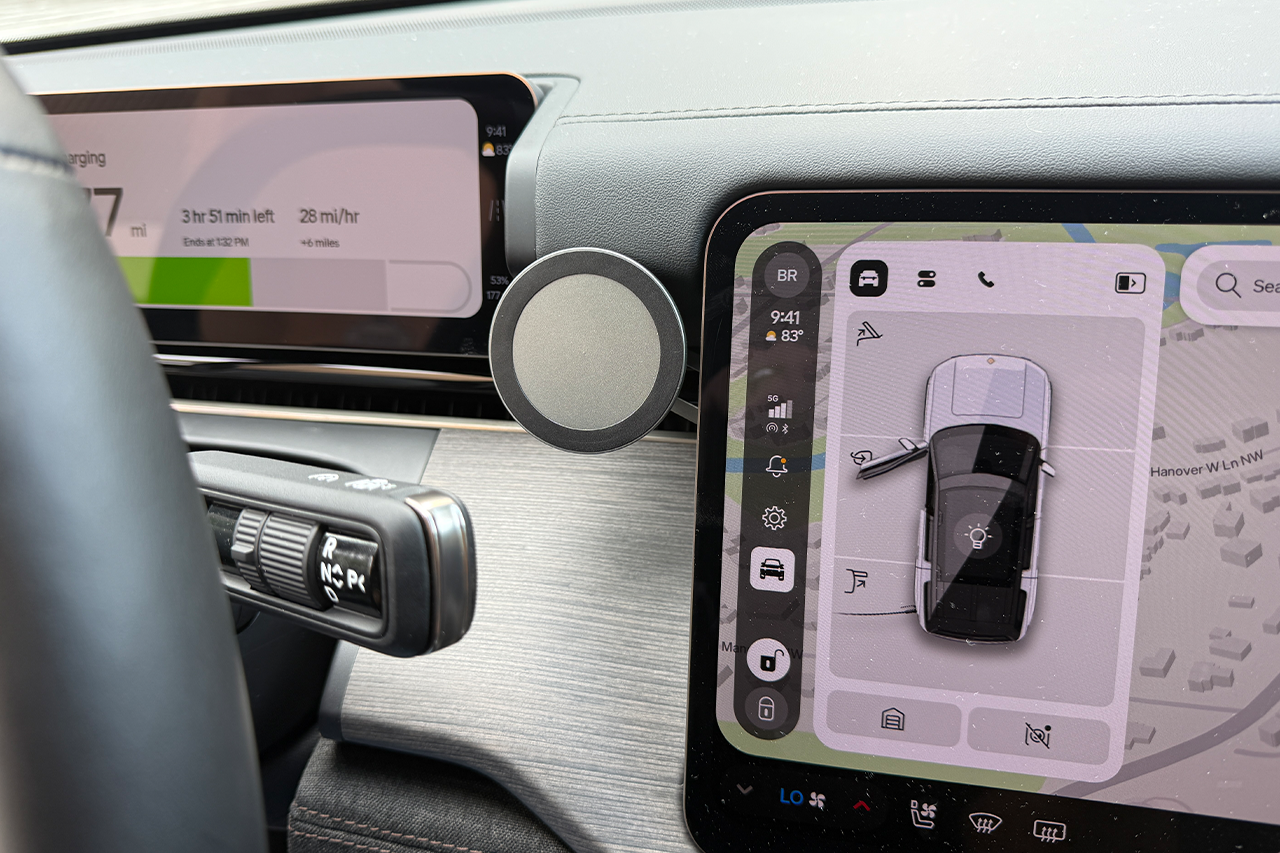
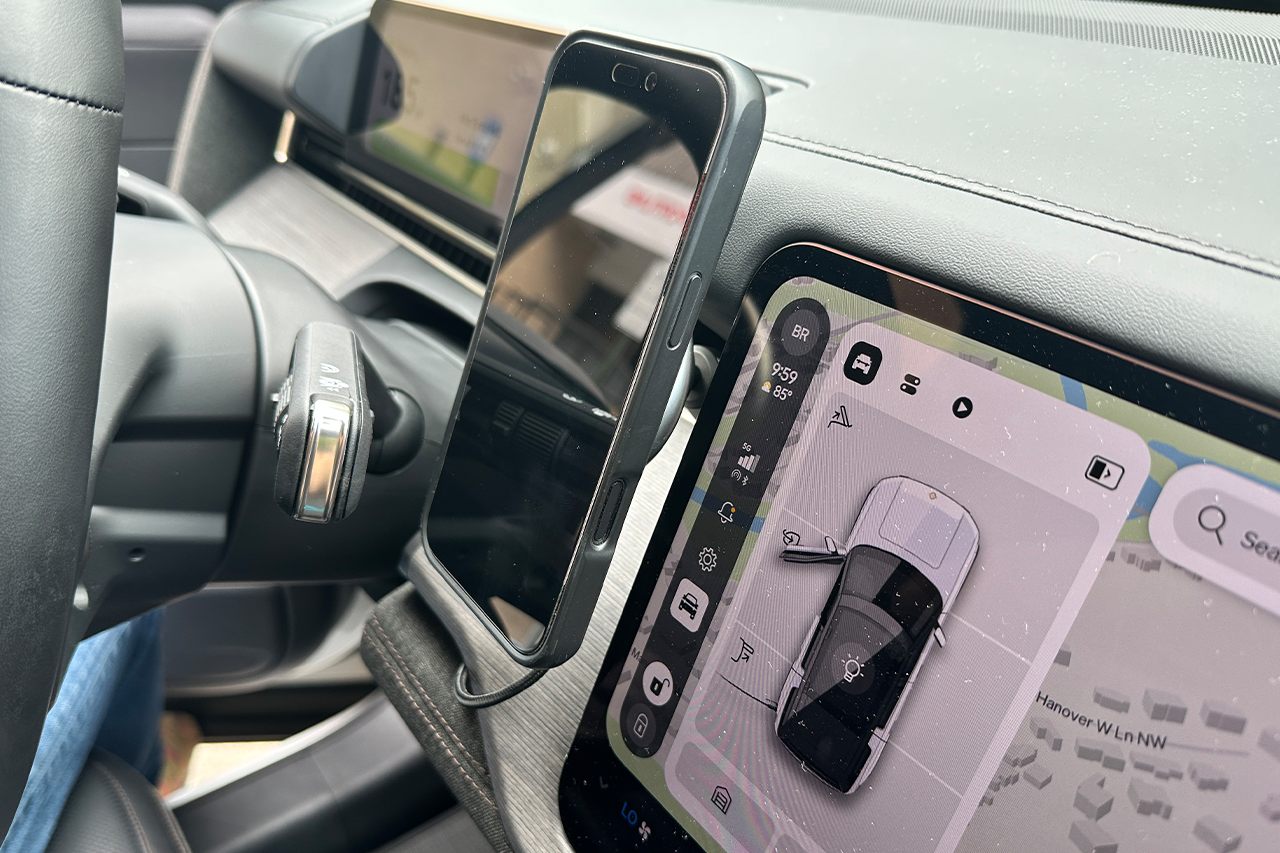
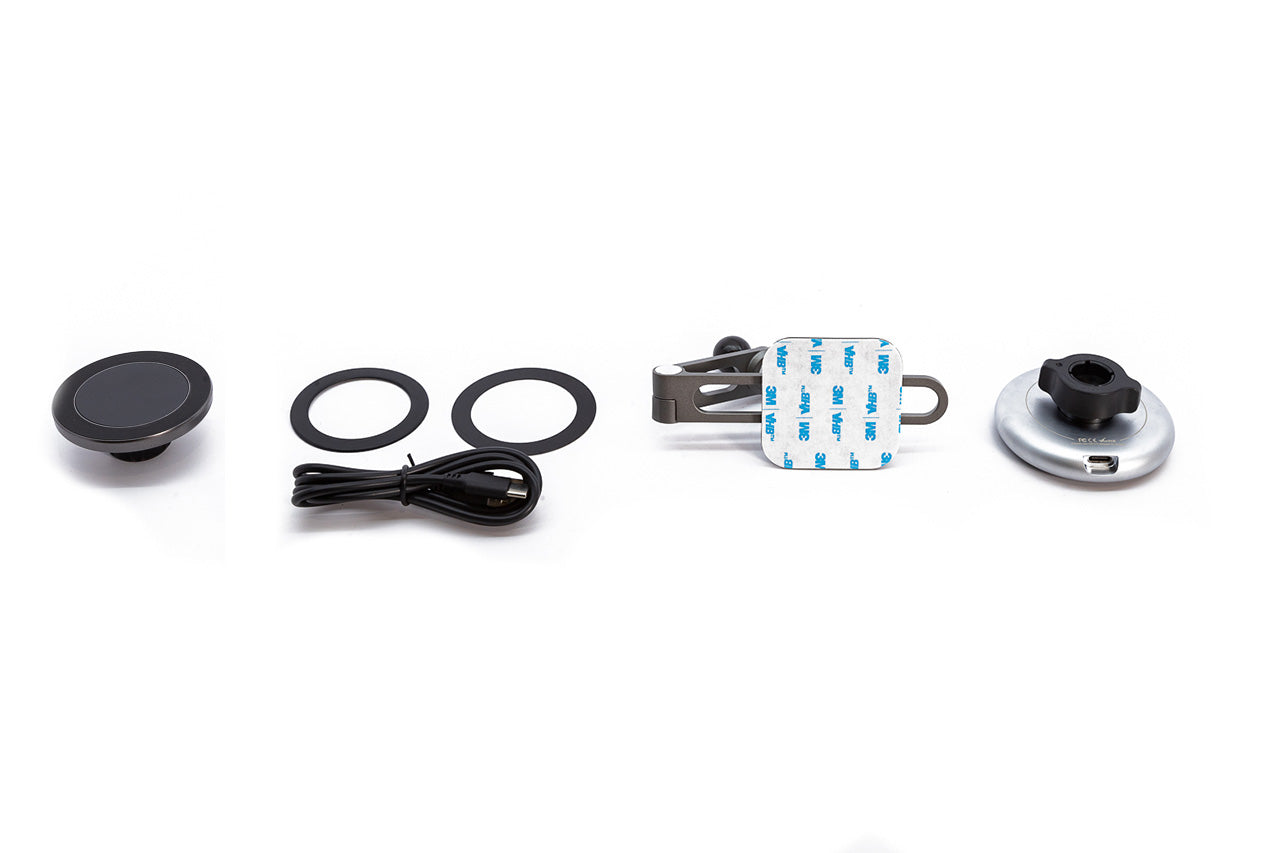
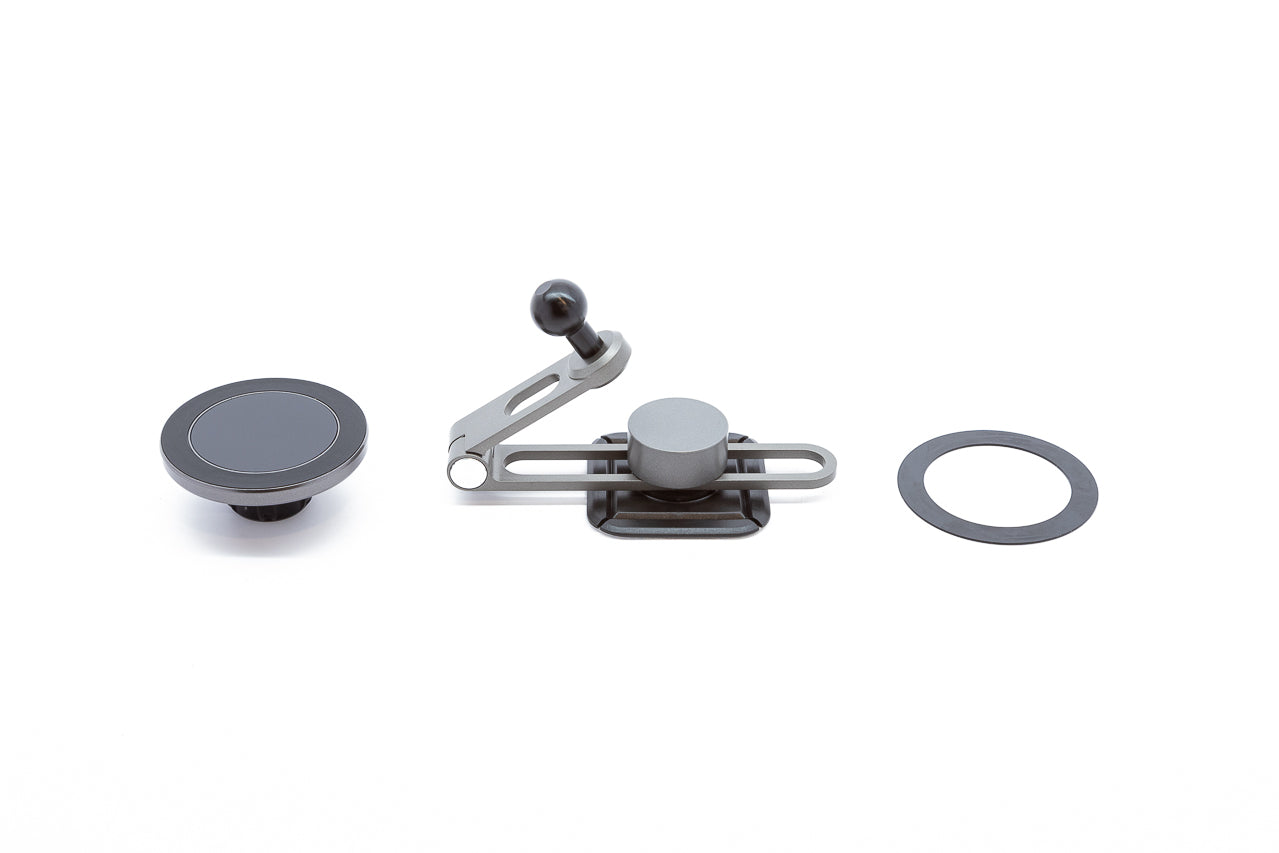
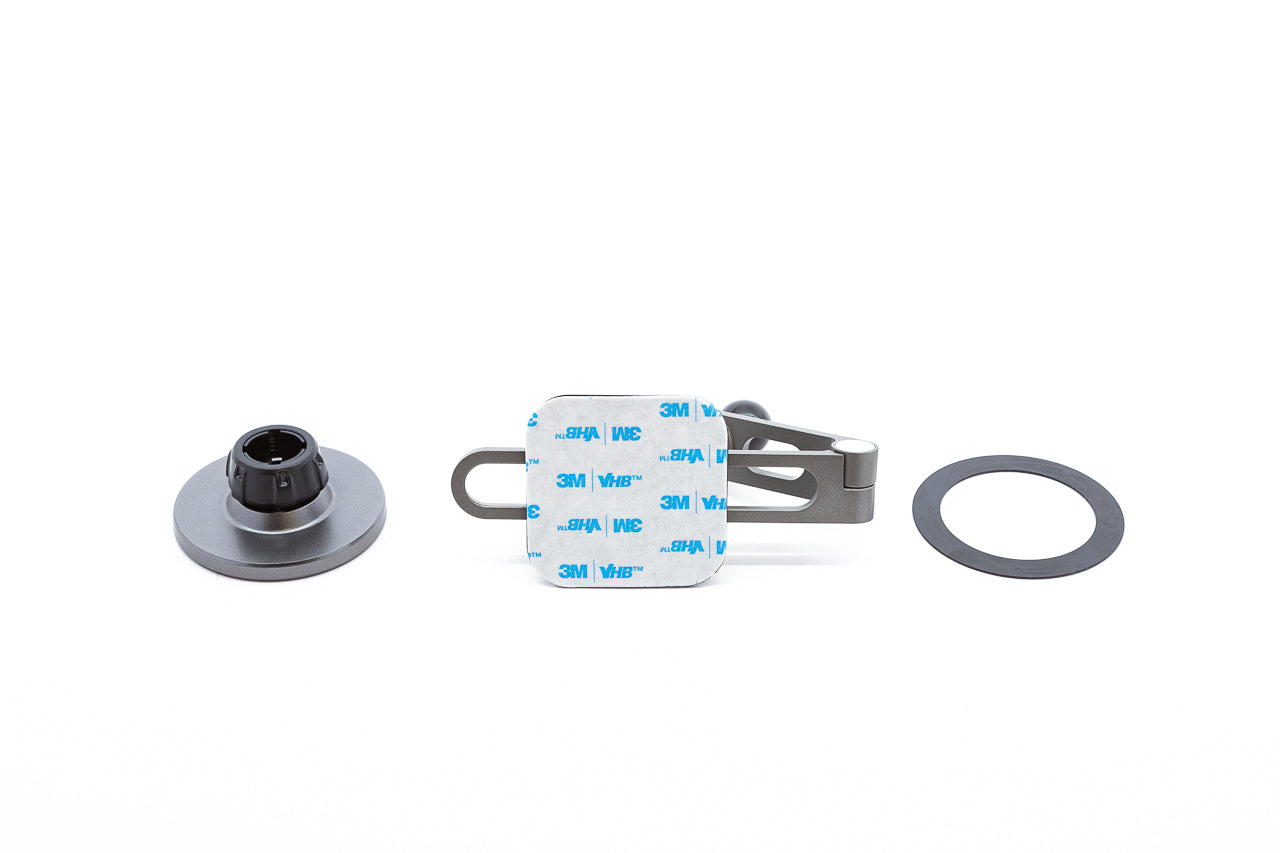
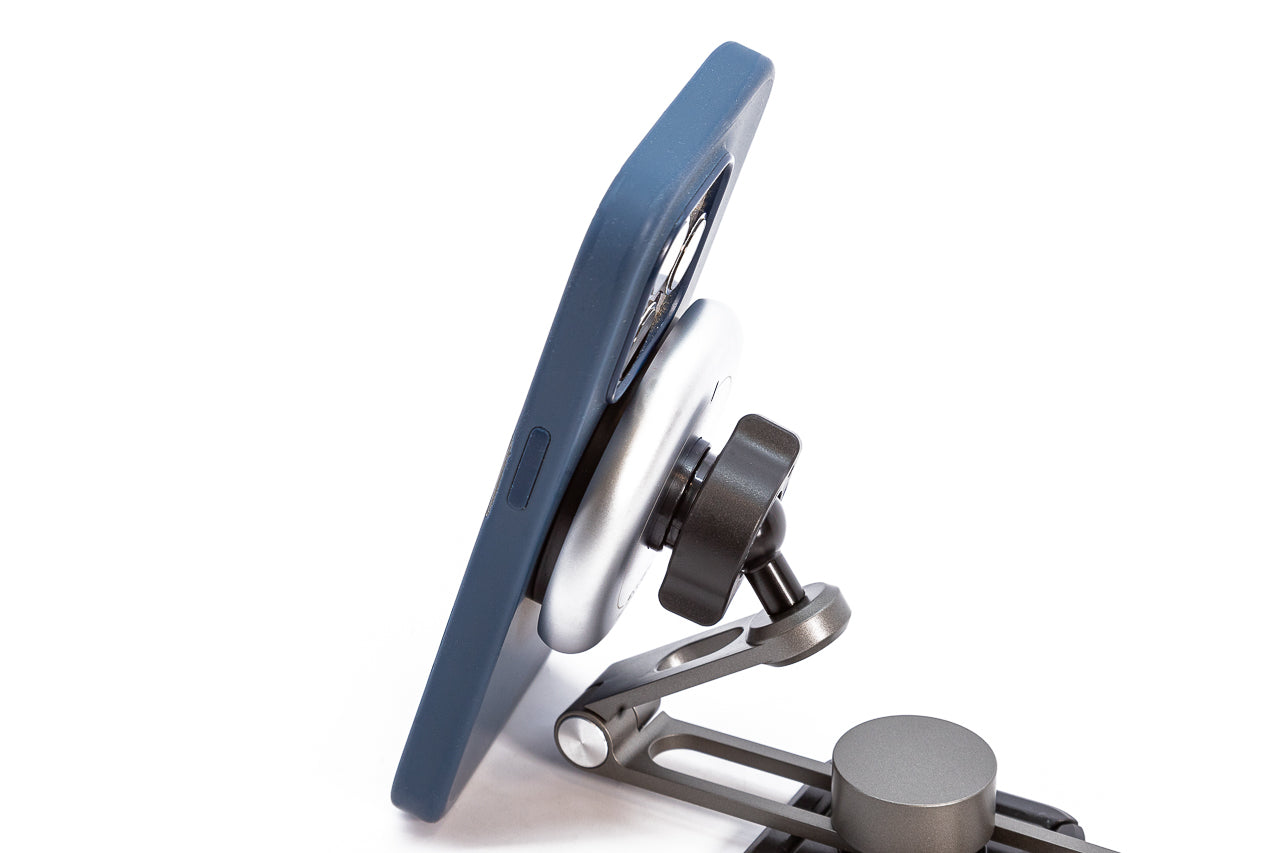
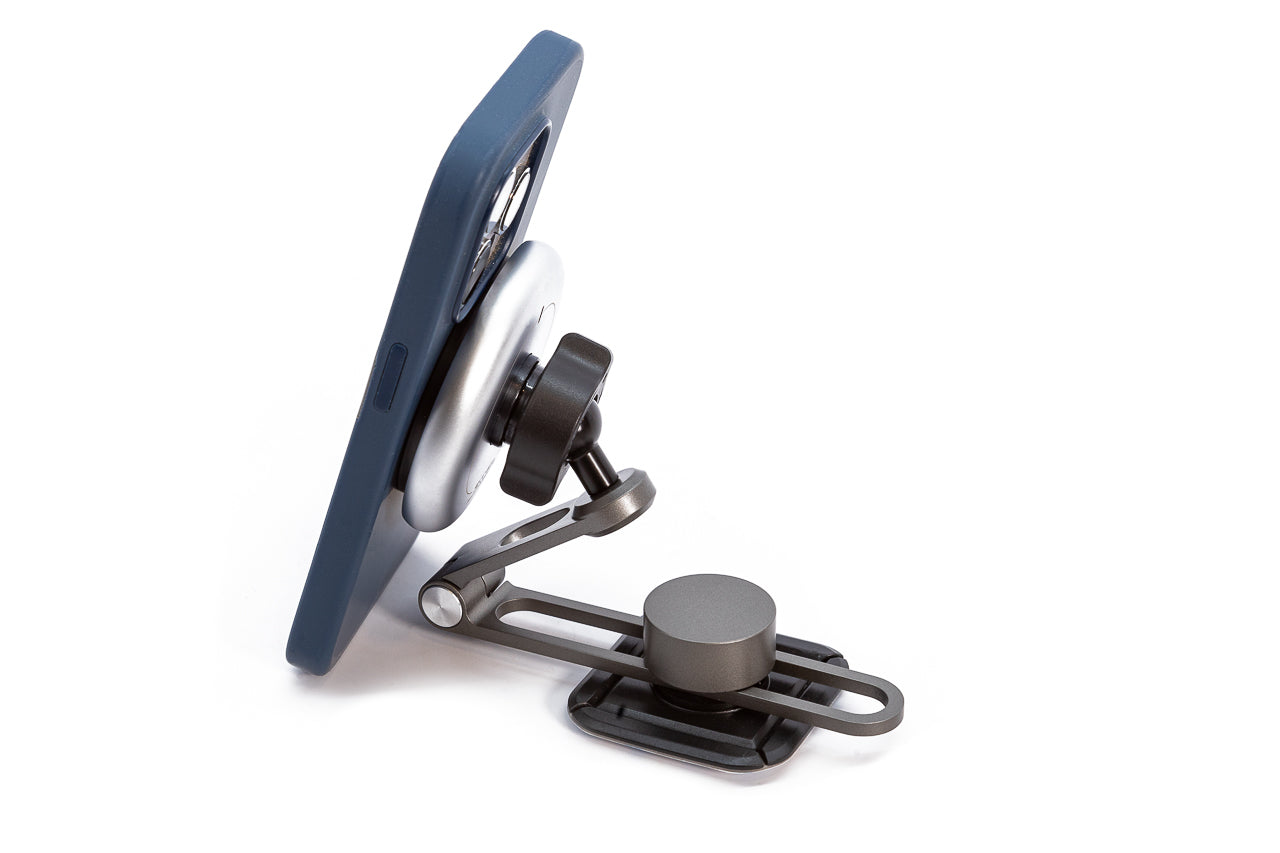
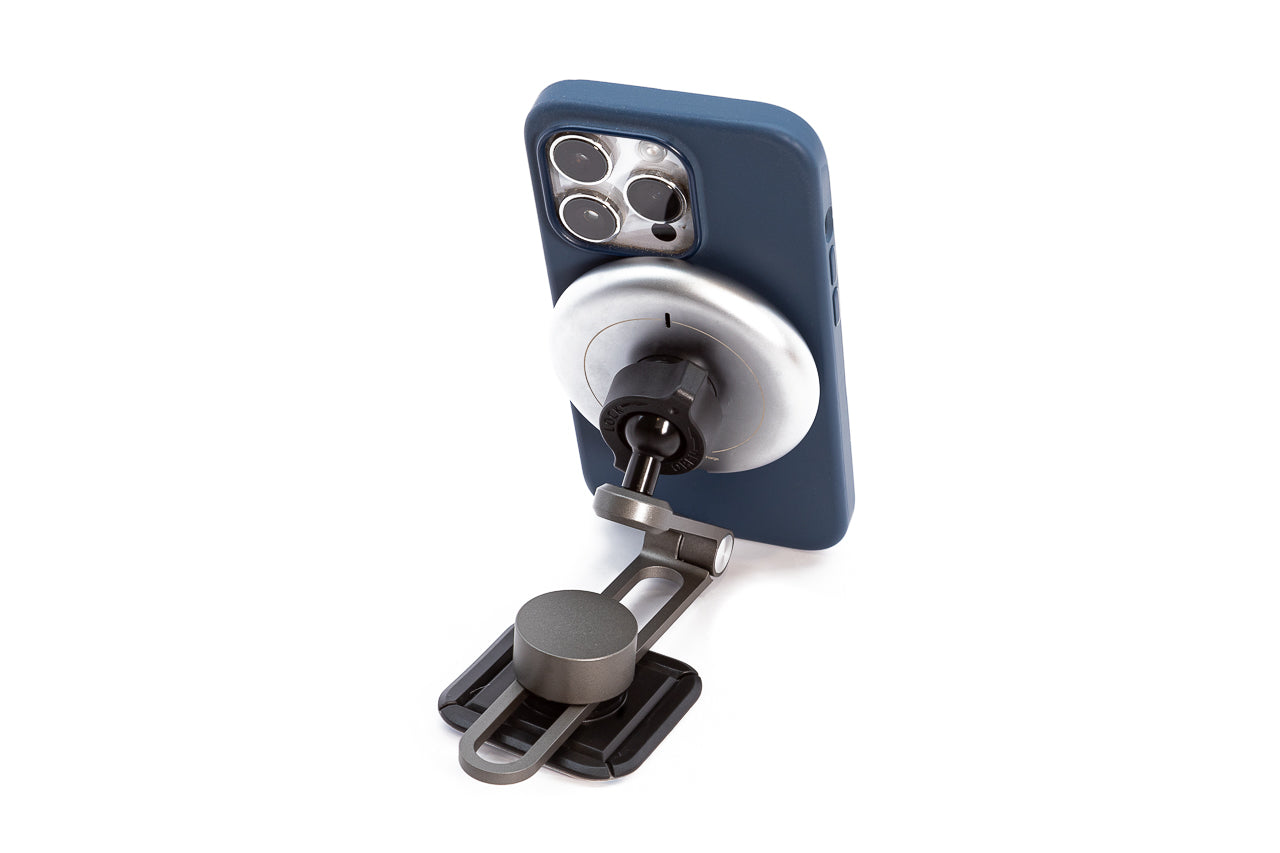
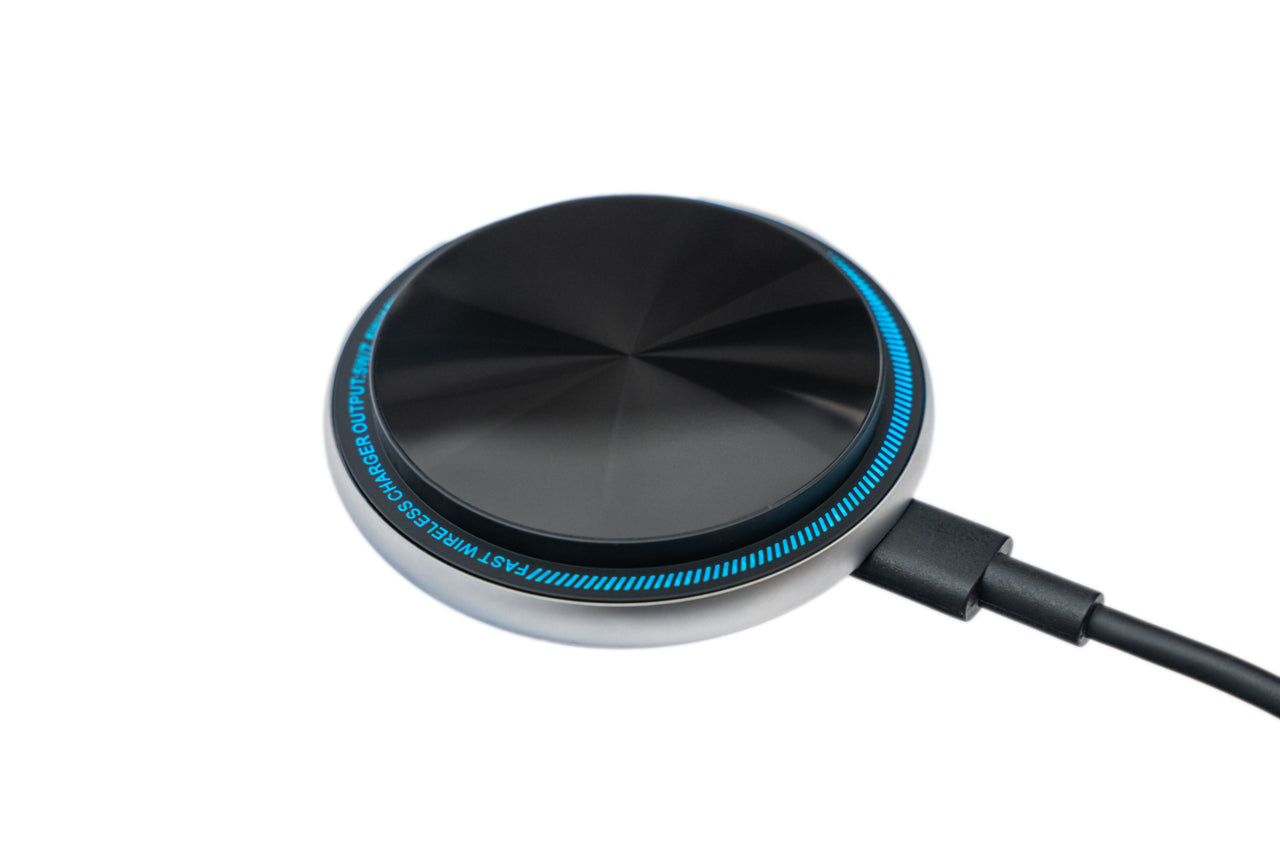
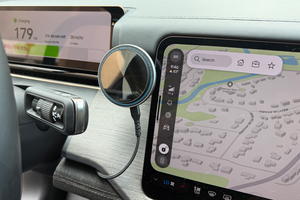
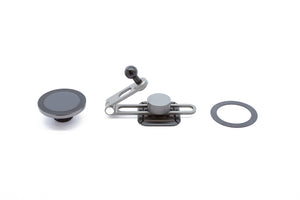
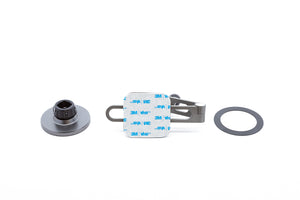
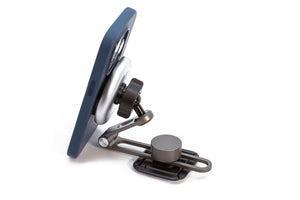
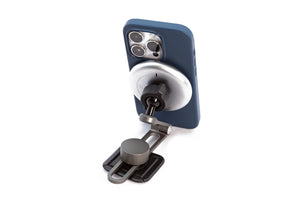
The Team 1EV infinitely adjustable MagSafe mount for Rivian R2 is the perfect solution for quick and easy iPhone holding and charging. The mount is made from precision machined aluminum and the vehicle mounting pad features 3M VHB premium adhesive backed pad for securing to the Rivian dash, where ever you desire. The articulating design is highly adjustable, allowing you to hide the mounting pad out of sight and adjust the MagSafe mount exactly where you like it.
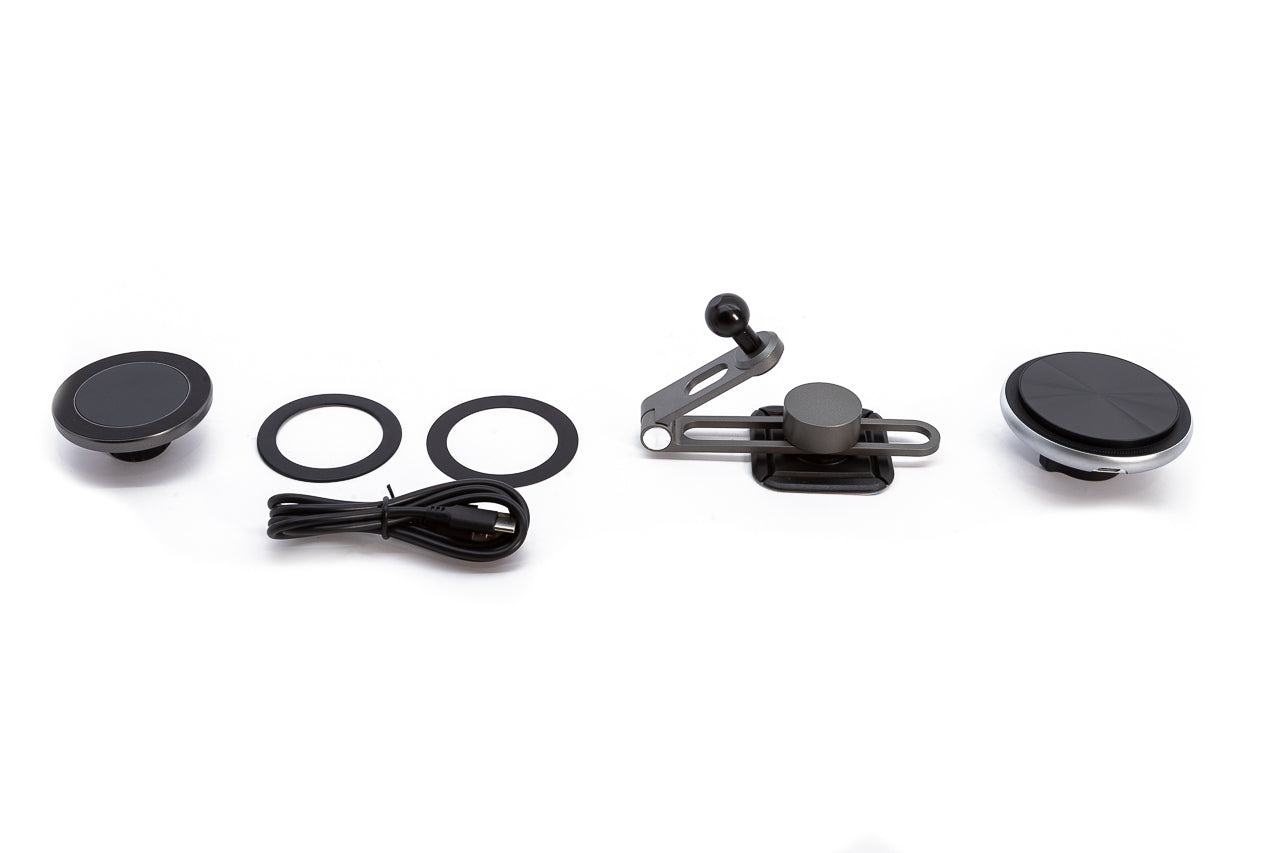
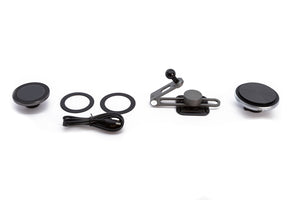
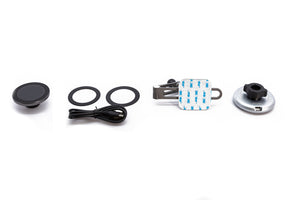
The mount is offered in three versions, standard (no charging) and with standard Qi charging or Fast Qi2 charging. The kit includes a spare mating metal ring with adhesive backing for use on cases or non-MagSafe phones (or Android phones). Note, the MagSafe charger version only charges iPhones equipped with MagSafe charging.
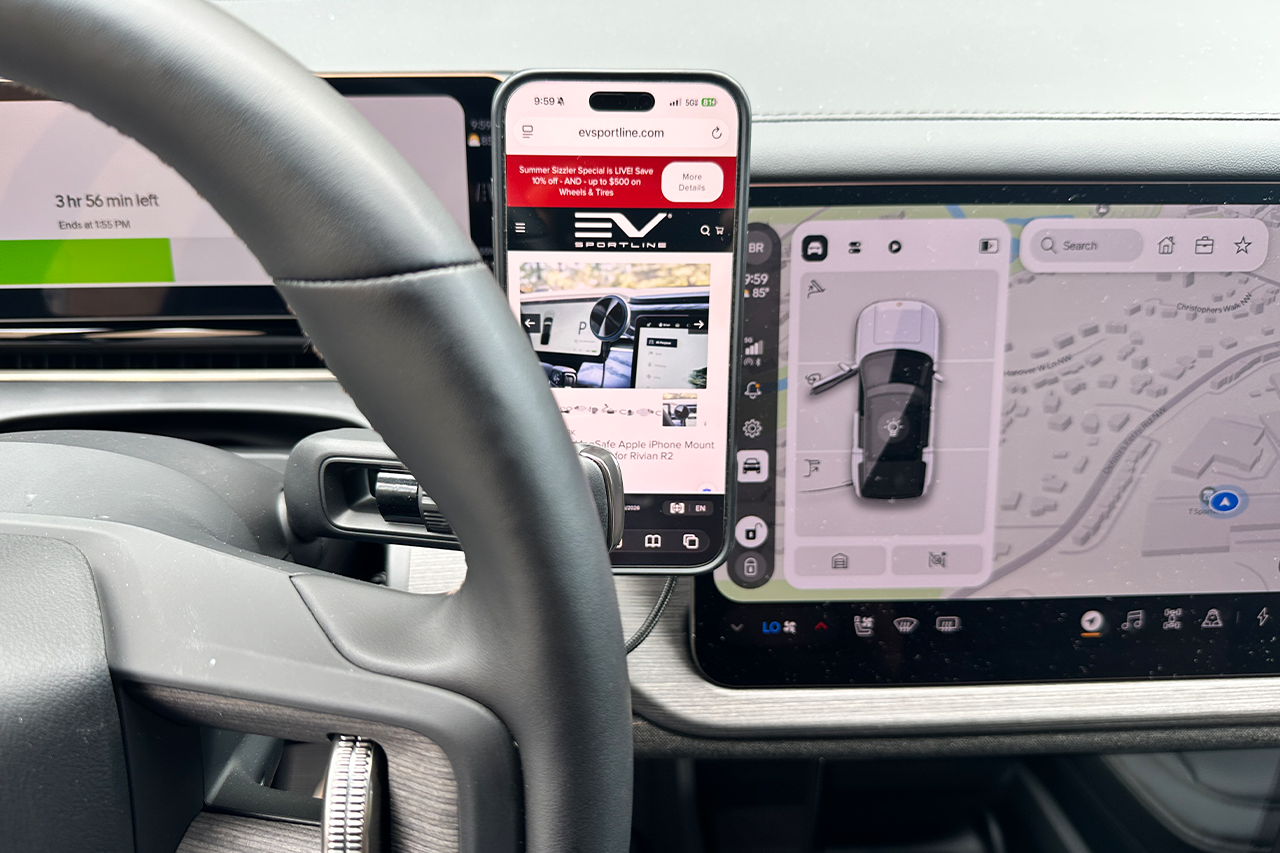
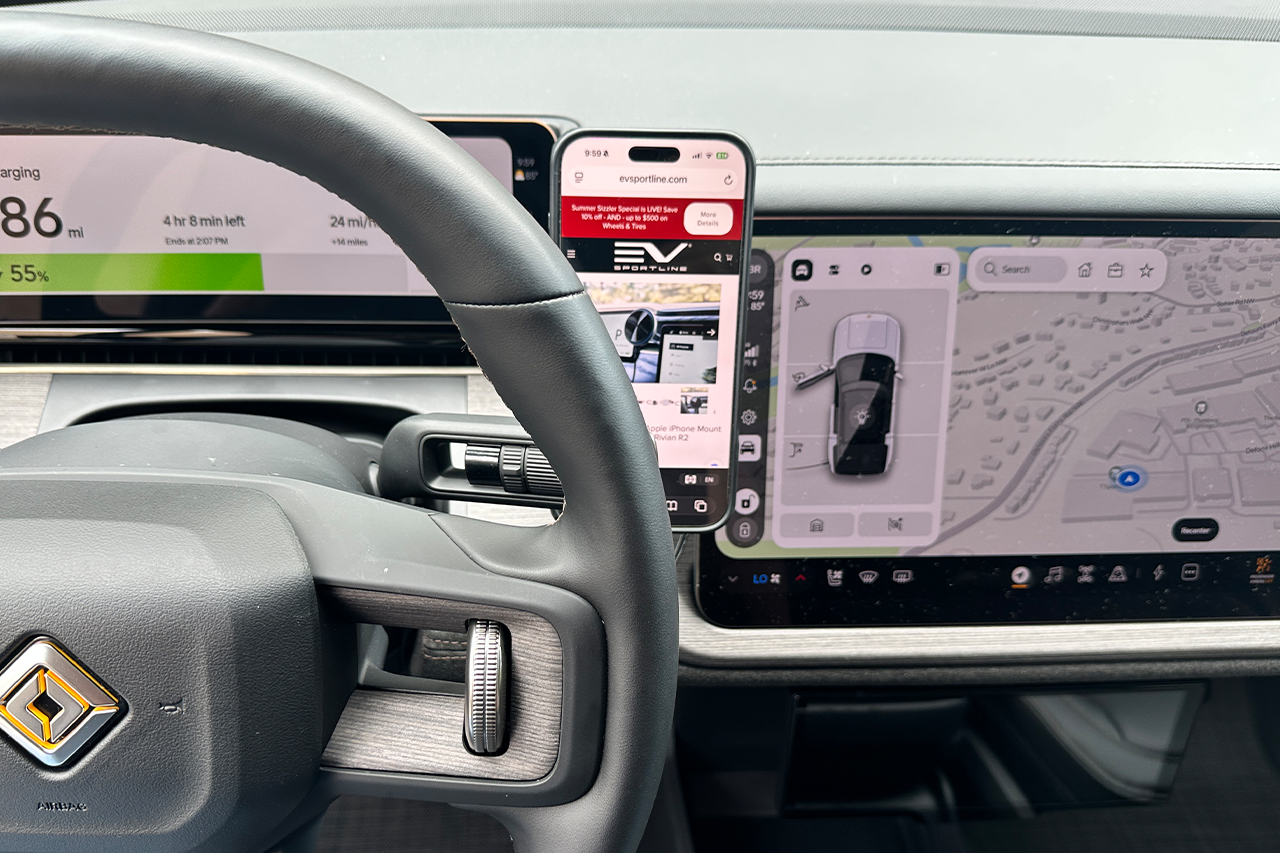
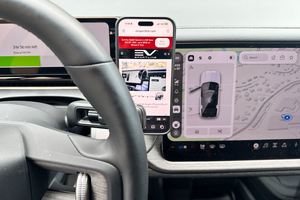
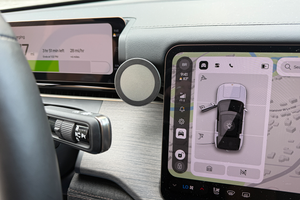
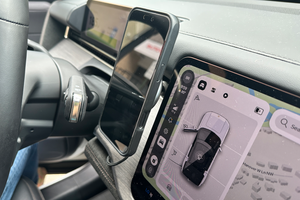
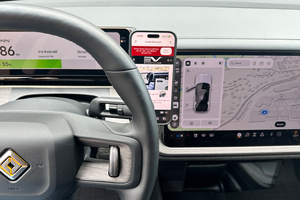
Fitment Review: Due to the tight and compact nature of the Rivian R2 dashboard, the phone will be partially obscured by the steering wheel (and shift stalk) as shown in the photos. The steering wheel can be adjusted up/down and the mount can be adjusted as well, based on user preference. However, it will be partially obscured regardless of adjustments. It is possible to mount the phone on the 'right' side of the center screen, for a fully un-obstructed view. If opting for the charging version, the USB-C power cable can be routed into the center glove box and plugged into the existing USB-C power port.

What is included with each version:
Charger kits now include 'blackout' light ring cover:


Note on wireless charging- your phone will control the actual charge wattage drawn, depending on phone battery temperature, condition, level of charge, and what sort of phone cover is installed.
More charging learnings:
Shipping is calculated at Checkout.
Shipping & Handling charges subject to change without prior notification. PLEASE NOTE THAT INTERNATIONAL SHIPMENTS ARE SUBJECT TO CUSTOMS TAXES/DUTIES, AS CHARGED BY YOUR COUNTRY (THERE ARE NO U.S. CUSTOMS FEES). INTERNATIONAL CUSTOMERS ARE RESPONSIBLE FOR PAYMENT OF THESE FEES. Due to service availability, some international orders may need to be sent to the nearest international airport.